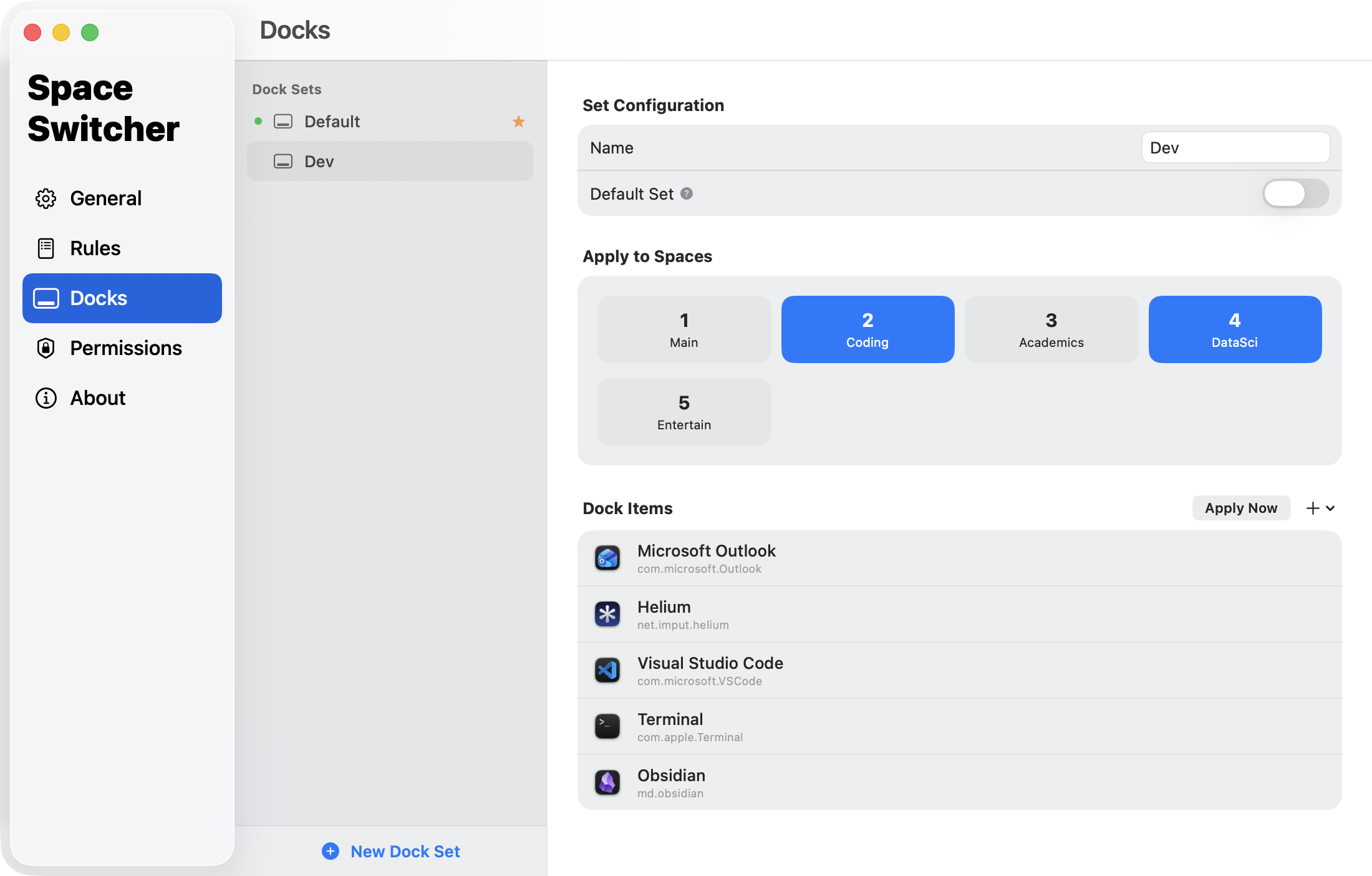
Per-space control over your applications and Dock.
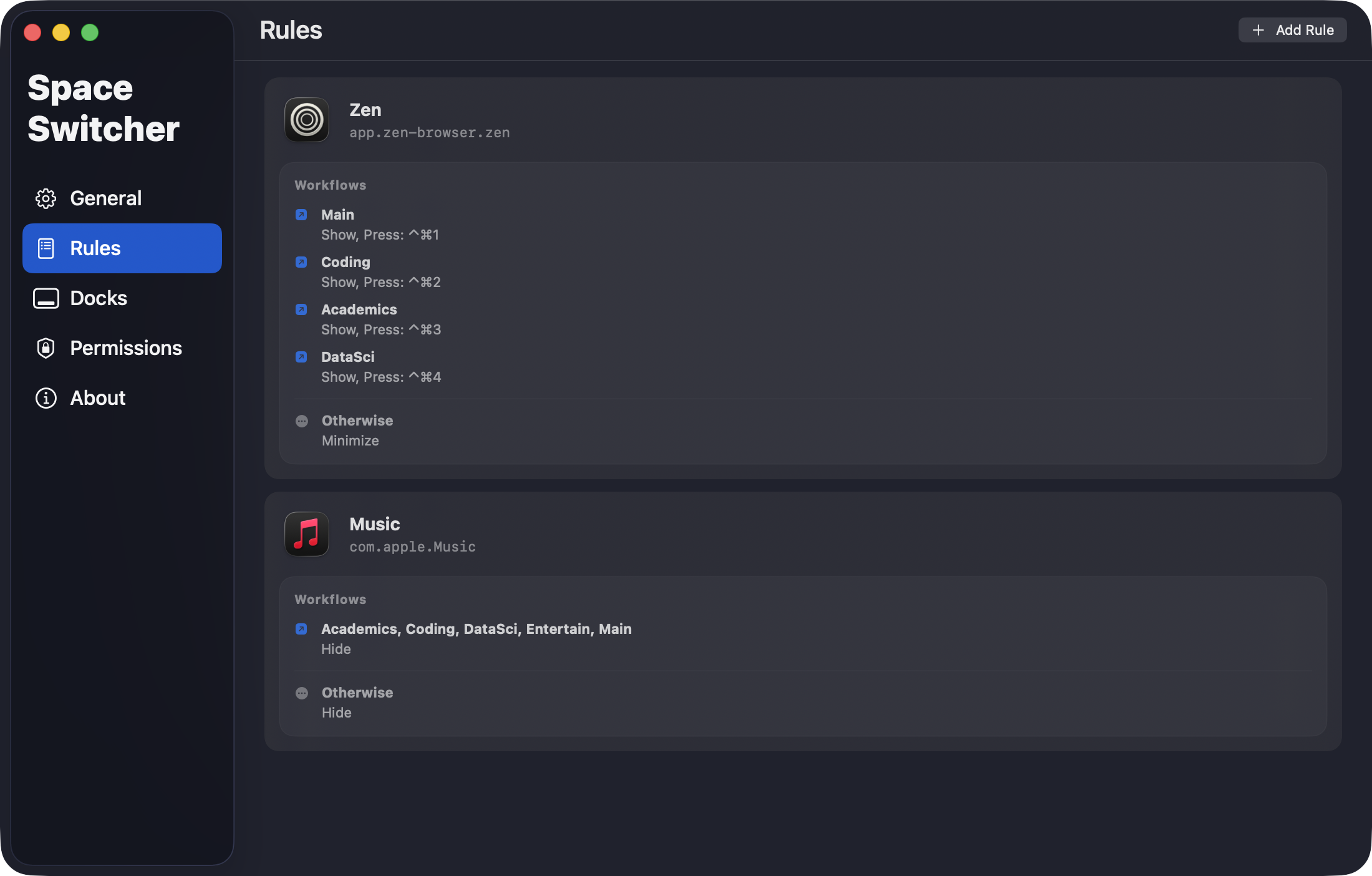
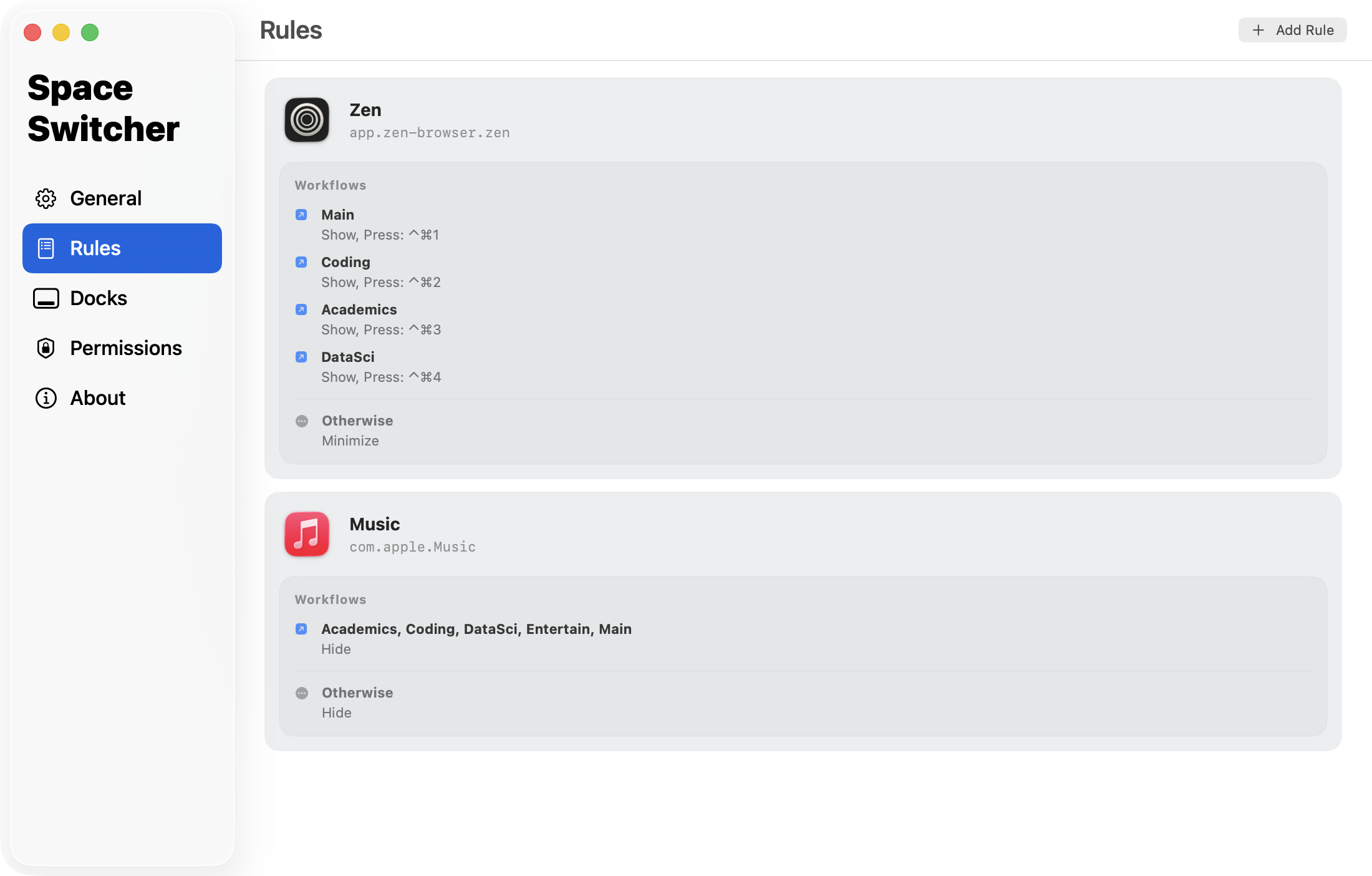
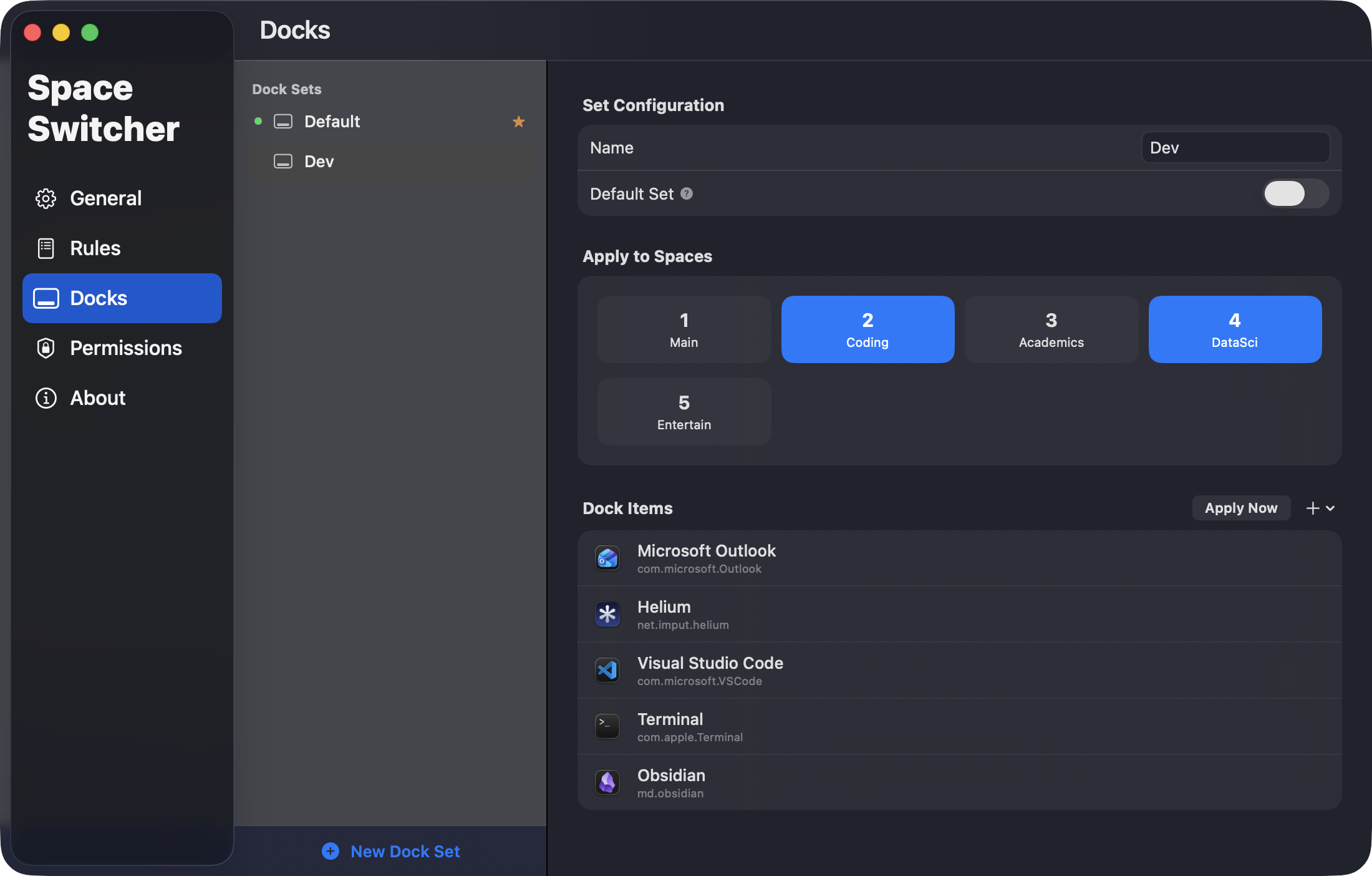
Define per-space app rules and custom Dock configurations. Built on DesktopRenamer's SpaceAPI, it reacts to space changes instantly.
Control Every Space.
Define per-space app rules and custom Dock configurations. Built on DesktopRenamer's SpaceAPI, it reacts to space changes instantly.
Show, Hide, Minimize, Bring to Front, App Shortcut, and Global Shortcut — chain them into workflows for each space group.
Trigger app-specific or global keyboard shortcuts when switching spaces — sync in-app workspaces with your macOS spaces automatically.
macOS 13.0+. Requires DesktopRenamer with SpaceAPI enabled. Drag to Applications, done.
Not signed with a paid Apple Developer account — go to System Settings → Privacy & Security if macOS blocks the app. Permissions are guided on first launch.
Prerequisite: Install DesktopRenamer first.
Rename your macOS spaces and enable the SpaceAPI that SpaceSwitcher depends on. The essential companion.

Right-click with the Option key. A simple utility that complements your macOS workspace workflow.