DesktopRenamer
Note
Visit the site here. Scroll at the margin to skip the site.
📷 Snapshots
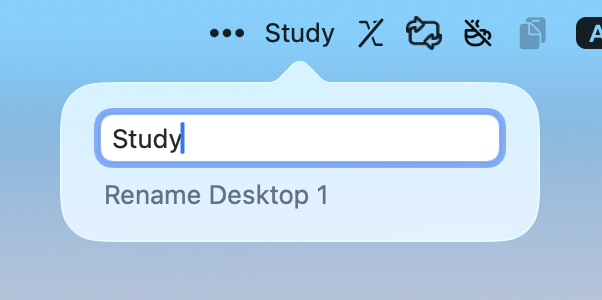 Rename desktop label in menubar |
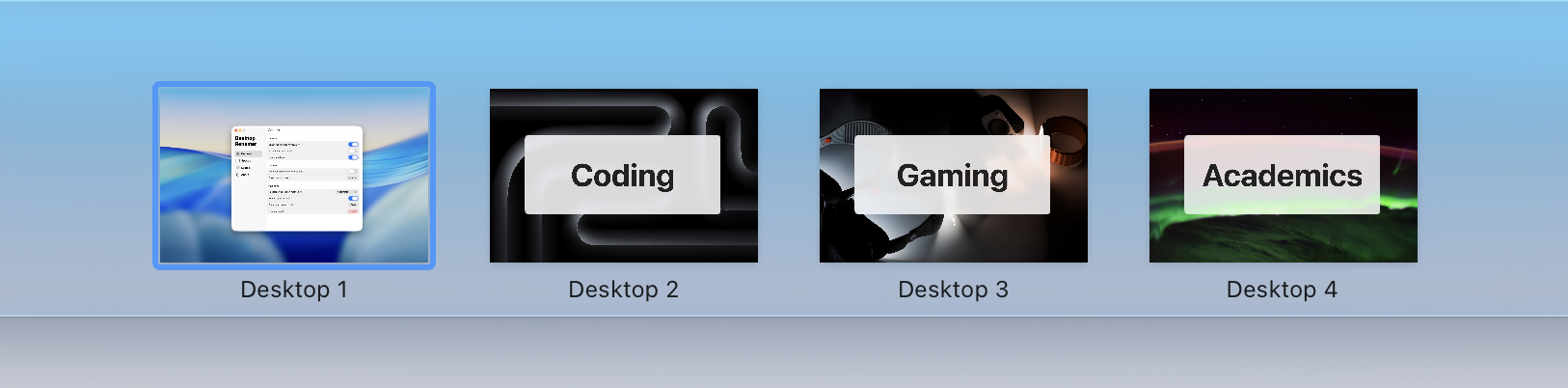 Check the names in Mission Control |
 Liquid Glass design |
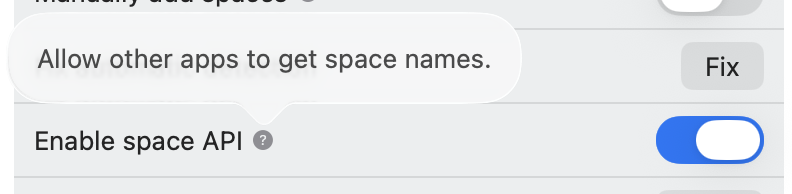 Open SpaceAPI to other apps |
DesktopRenamer is a macOS menubar app that shows your customized name of the current desktop.
📦 Installation
You do NOT have to disable SIP or things like that. Your macOS must be at least macOS 13.0 Ventura. All you need to do is:
- Download the package from Releases
- Drag the app to the Applications folder
- All set!
Because I do NOT have an Apple developer account for the app releases, you may receive alerts such as "Developer is not verified".
To resolve this, go to System Settings → the bottom of Privacy & Security → Open DesktopRenamer.
🛜 API
This app provides an API to acquire space ID and names.
Check Developer API Guide for details.
You can switch on/off the API in Settings → Advanced.
🤝 Companion Apps

SpaceSwitcher allows you to control which app and set of dock to display in each space.
⚠️ Issues
You are welcome to create issues/suggestions in GitHub Issues.
For the issue that all of the spaces are marked as "Fullscreen", please check the Troubleshoot.
If you have encountered any other bugs, please generate a bug report in DesktopRenamer Settings → General. This will help a lot for analyzing the bugs!
⭐ Support This Project
You can simply click on the Star to support this project for free. Thank you for your support!