SpaceSwitcher
Note
Visit the site here. Scroll at the margin to skip the site.
📷 Snapshots
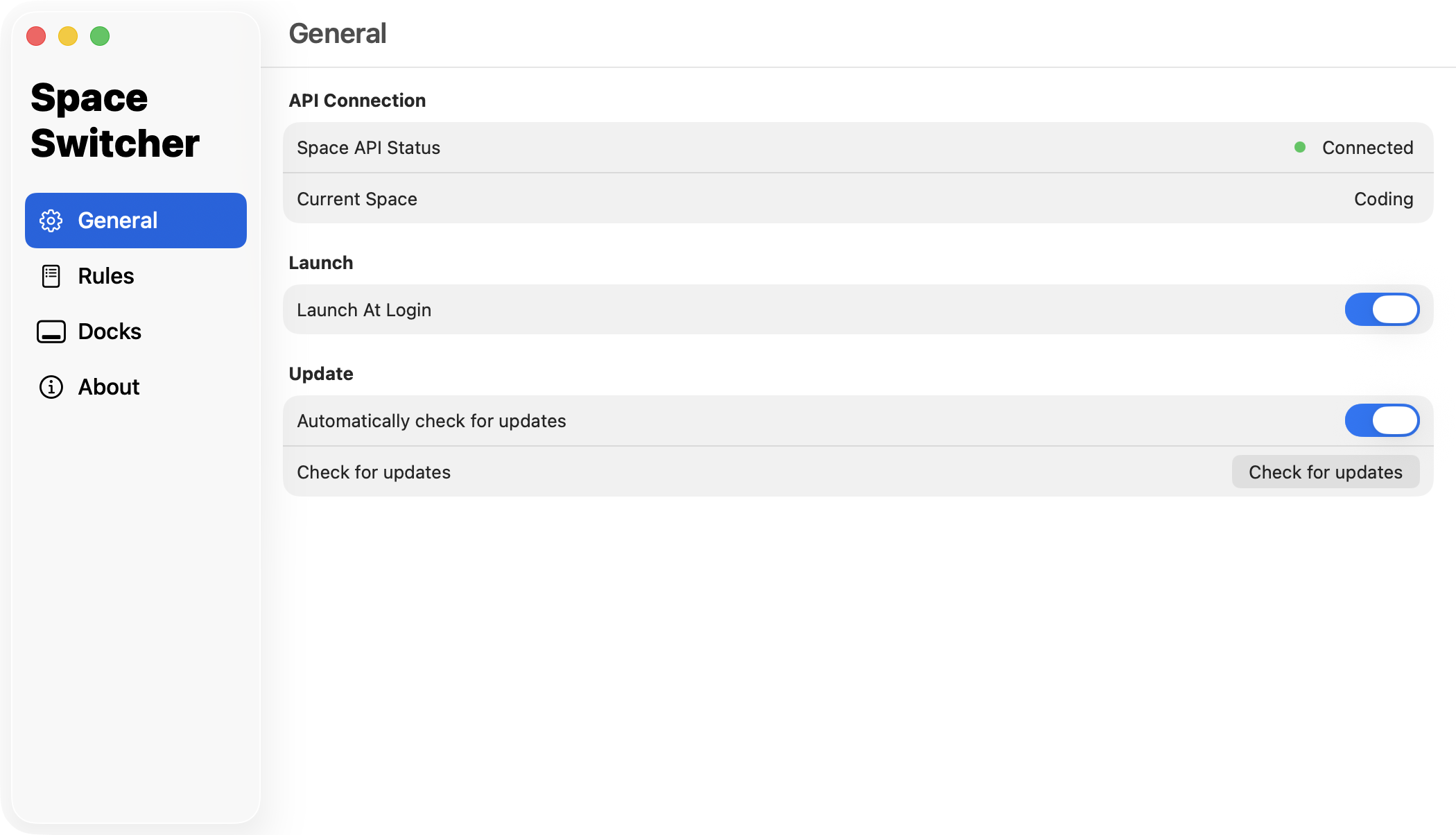 Connect to DesktopRenamer's SpaceAPI |
|
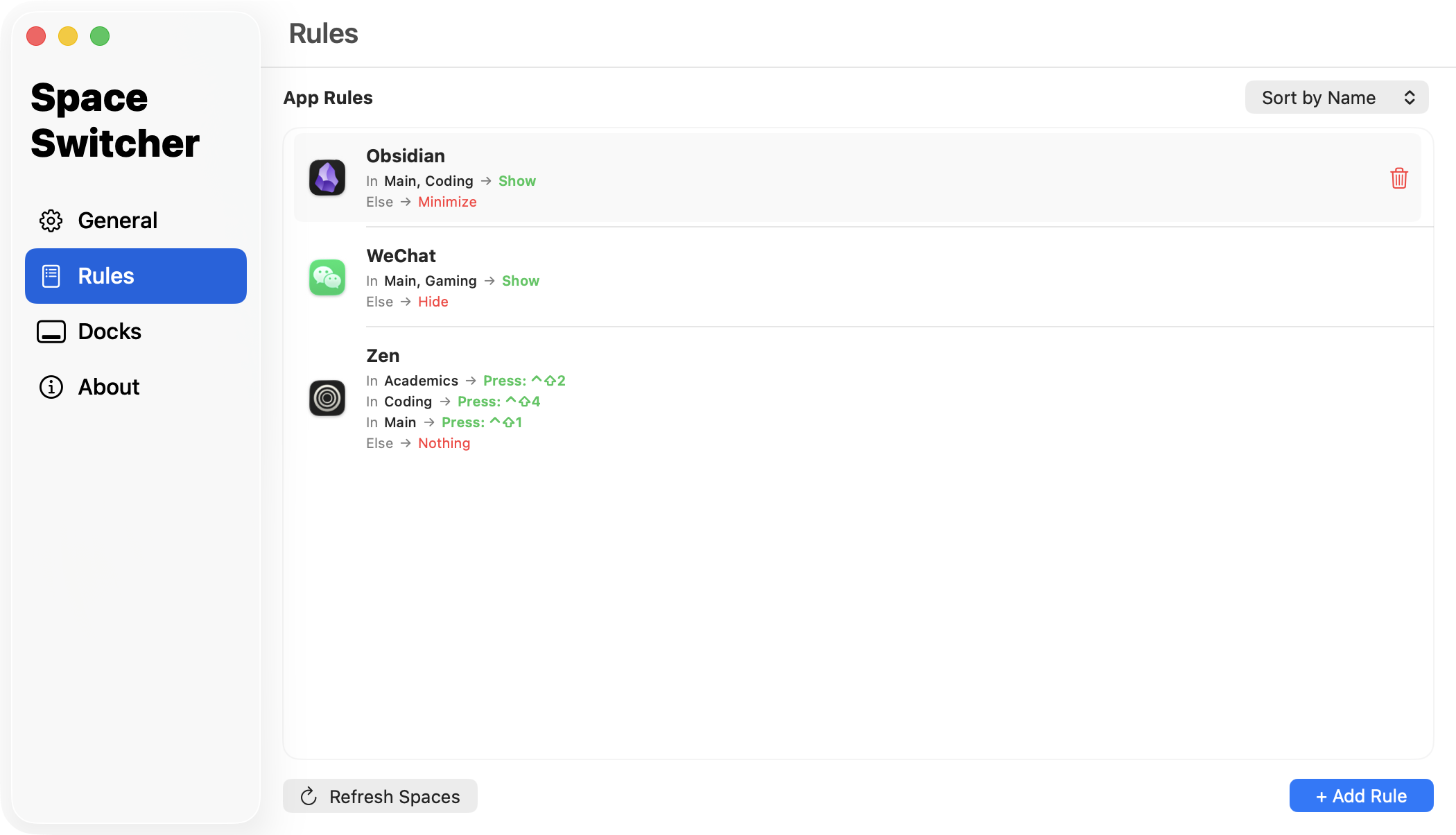 Add custom rules to each space |
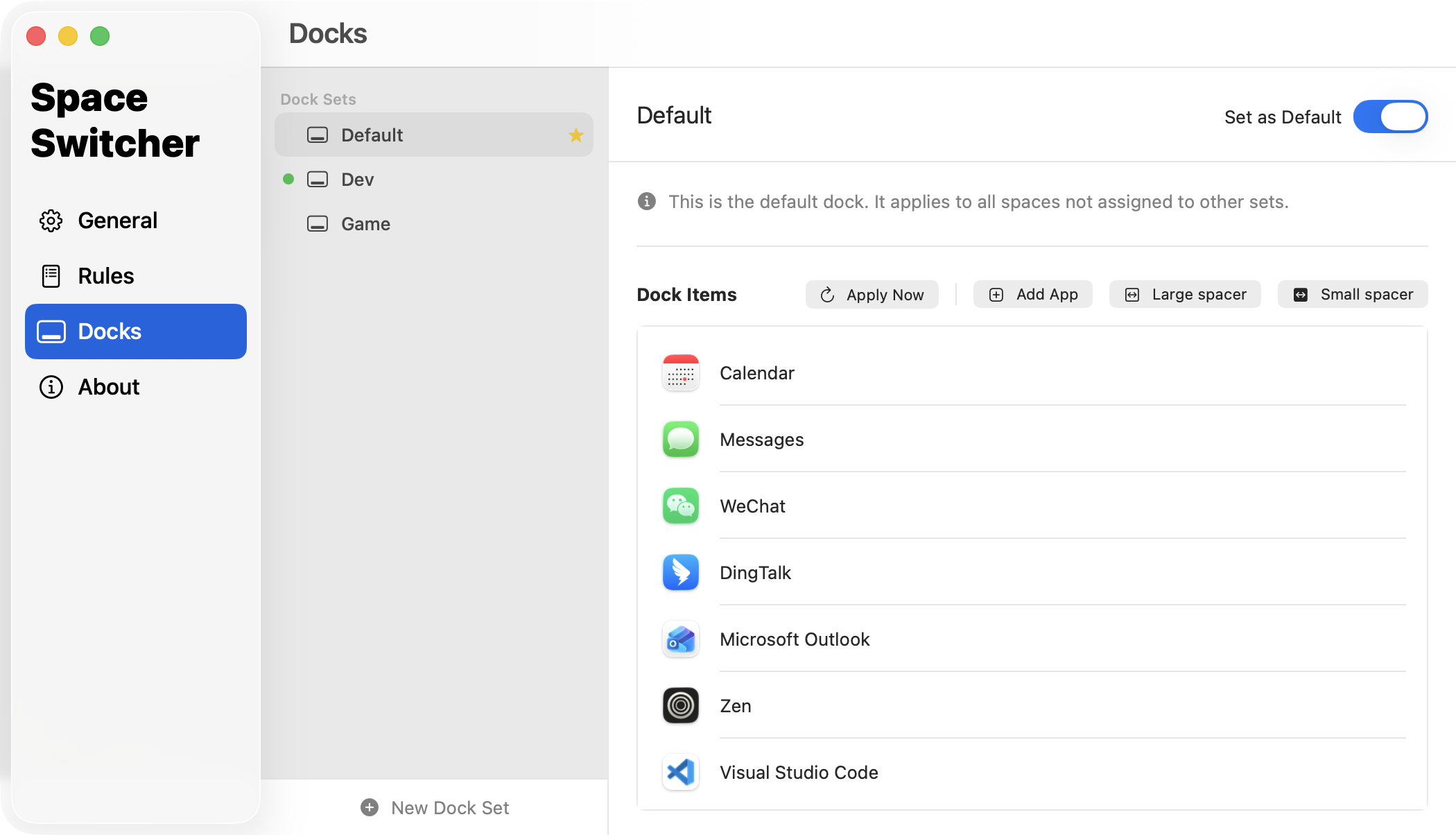 Different docks for each space |
SpaceSwitcher is a macOS workspace enhancer that lets you control which app and dock to show in each workspace. Especially for apps that you have assigned to all desktops.
📦 Installation
Requires macOS 13.0 Ventura or above.
- If you haven't, install DesktopRenamer, which provides necessary SpaceAPI to inform SpaceSwitcher the current space info
- Start SpaceAPI in DesktopRenamer Settings → General
- Download the SpaceSwitcher from Releases
- Drag the app to the Applications folder
- All set!
Because I do NOT have an Apple developer account for the app releases, you may receive alerts such as "Developer is not verified".
To resolve this, go to System Settings → the bottom of Privacy & Security → Open SpaceSwitcher.
💡 How to Use
Here is an example:
- My Zen browser has four workspaces with the shortcut Control + Shift + Number
- In SpaceSwitcher/Rules, I add the rule of "simulate shortkey" for each macOS space
- So when I switch to a space, Zen browser can automatically switch to the corresponding workspace
🛜 SpaceAPI
To get the current space's information, an extra app DesktopRenamer is required. You can download it here.
After downloading DesktopRenamer, you need to turn on SpaceAPI in Settings → General.
⚠️ Issues/Suggestions
You are welcome to create issues/suggestions in GitHub Issues.
⭐ Support This Project
You can simply click on the Star to support this project for free. Thank you for your support!